White background remover
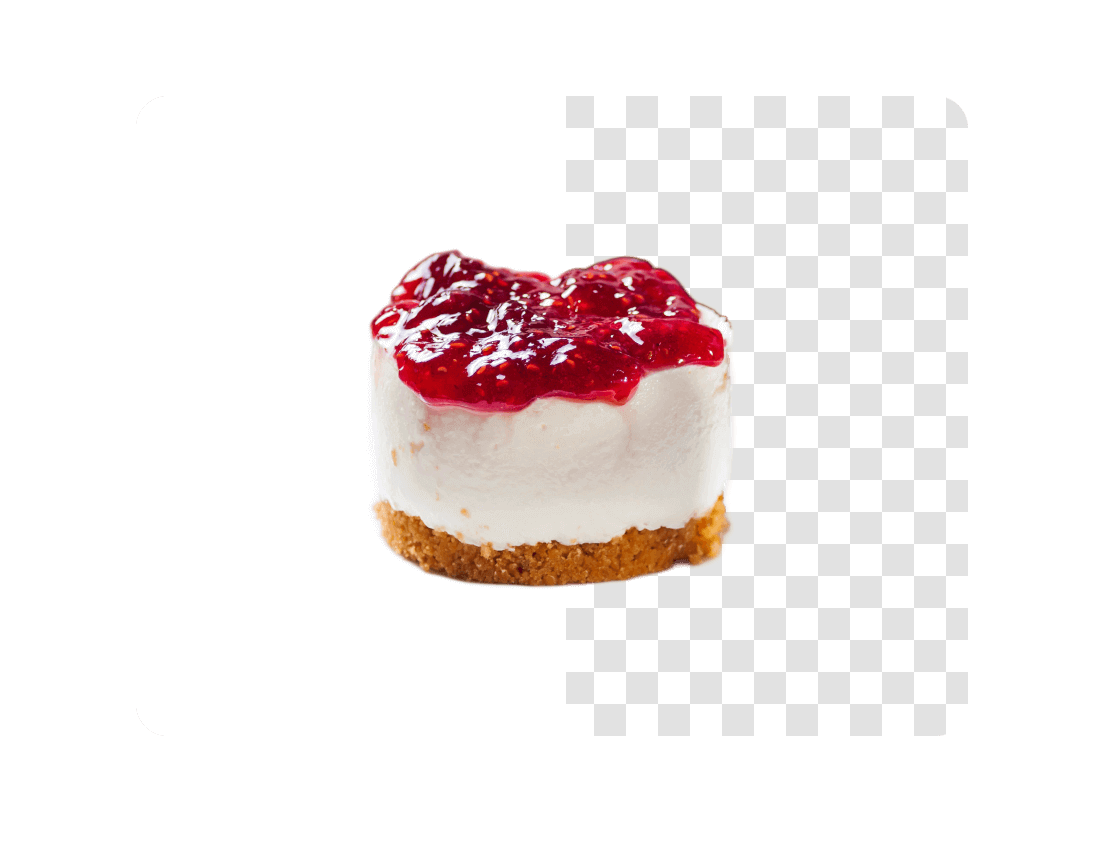
Remove white backgrounds from product photos, logos, portraits, and graphics to get clean PNG cutouts in seconds.
Copyright Policy
andCommunity Guidelines
.
How to remove white backgrounds in 3 steps

Drag and drop or manually upload the image that you want edited.

Watch our AI to detect and remove the white background.

Download your updated image.
Who is QuillBot’s white background remover for?

Marketers
Build ads, social media content, and promotional graphics.
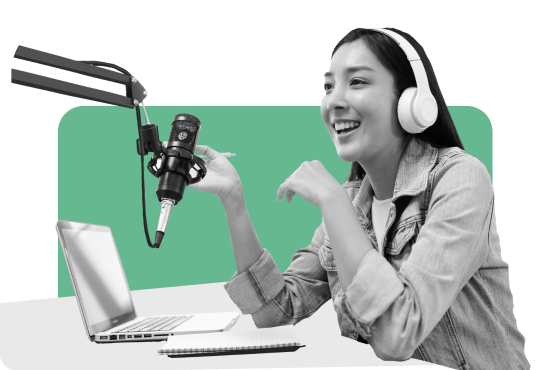
Content creators
Produce polished visuals for presentations, portfolios, and personal projects with ease.

Small businesses
Refine branding materials to use across websites, packaging, and marketing ads.

Tips for getting the best image results
Start with clear, high-resolution photos so details are clear.
Avoid heavy shadows near the subject.
Choose images where subjects stands out from the background.
Upload original files instead of compressed images.
Preview before downloading to confirm edges look smooth.
Why writers love us
White background remover FAQs
What is an AI white background remover?
An AI white background remover is a tool that automatically detects and removes white backgrounds from images using machine learning, leaving the main subject cleanly isolated with transparent or editable results.
How do I remove a white background from an image?
Simply upload your image to QuillBot’s white background remover, and the AI will instantly detect and remove the white background—no manual editing required.
Does this work for product photos on white backdrops?
Yes, the tool is designed to work especially well on product photos taken against white backdrops, making it ideal for ecommerce listings and catalogs.
Can the tool remove white backgrounds from images?
Yes, QuillBot’s white background remover accurately removes white backgrounds from images while preserving sharp edges and fine details.
Is QuillBot's white background remover free to use?
Yes, QuillBot’s AI white background remover is free to use, with no subscription or software installation required.
Does the tool support transparency export?
Yes, after removing the white background, you can download your image with a transparent background, typically as a PNG file.
What image formats are supported?
The tool supports all common image formats, including JPG, JPEG, PNG, and WEBP.
Can it handle white or light gray shadows behind the subject?
Yes, the AI is trained to distinguish subjects from light shadows and subtle background tones, reducing unwanted artifacts during removal.
Does it work for portraits where the person wears white clothes?
Yes, the tool can handle portraits with white clothing by focusing on edges, depth, and contrast to separate the subject from the background.
Can I replace the white background with a new color?
Yes, once the white background is removed, you can easily replace it with a new background color or image for further customization.