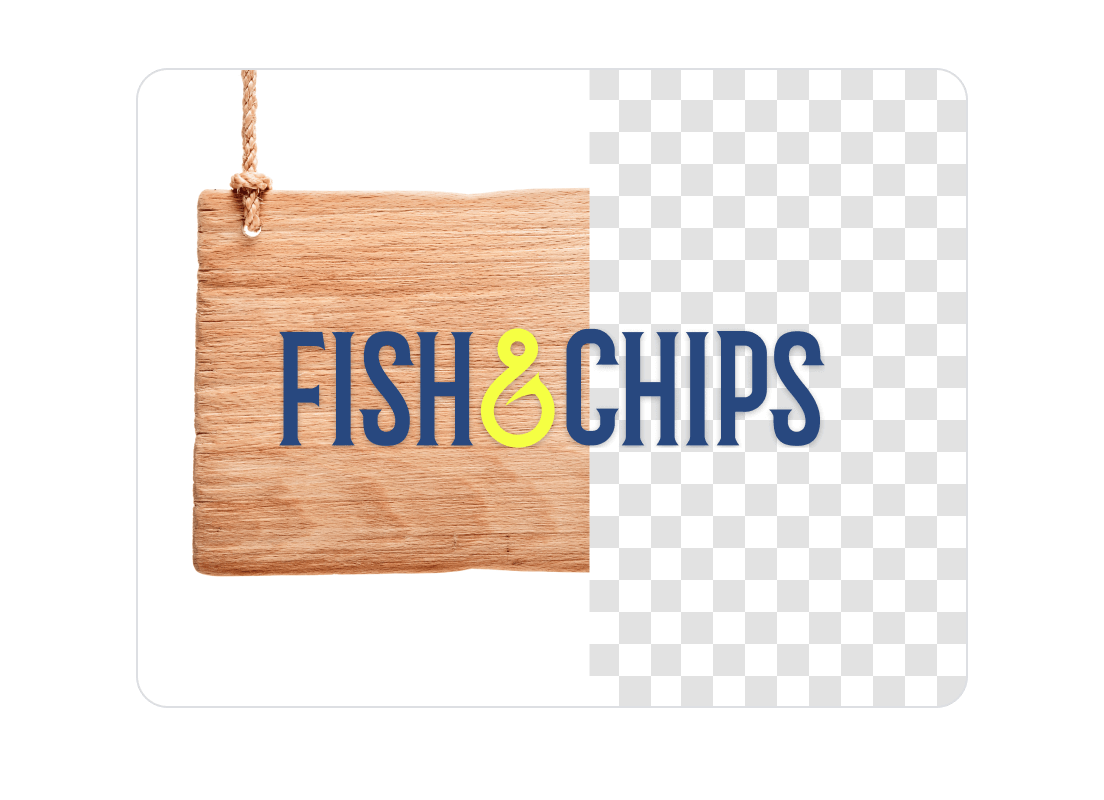
Remove logo background
Remove the background from any logo instantly and download a clean, high-quality transparent PNG using AI.
Copyright Policy
andCommunity Guidelines
.How to remove logo backgrounds with Quillbot
Upload your logo: Drag and drop or manually select your logo file from your device.
Remove the background automatically: Our AI cleanly erases the background without blurring or pixelation.
Download your transparent logo: Export your new transparent PNG file of your logo.
What makes Quillbot’s AI logo background remover better?
Quillbot uses advanced vision models built specifically for graphics, shapes, and text—meaning your logo edges, colors, and icons stay sharp. No manual masking, filters, or Photoshop skills required.
Advanced edge-precision
Detects letters, curves, and icon edges to preserve clean borders with no jagged pixels.
Fast, free, and no watermarks
Remove background
Perfect for any logo style or format
Works with text-only logos, icons, badges, and multi-colored designs in all common file types.
Privacy-first technology
Processes uploads securely, with images never stored or reused without your permission.
Works on any device and browser
Use across all major web browsers like Firefox, Chrome, and Edge and on any device including mobile, tablet, or desktop.
Who Is Quillbot’s logo background remover for?
Brand owners & marketers
Create clean, transparent logos for websites, packaging, and marketing materials.
E-commerce sellers
Remove backgrounds for product images, store banners, and promotional graphics.
Content creators
Produce transparent logo files for overlays, intros, thumbnails, and merch designs.
Tips for getting the best results with AI logo background remover
Start with a high-resolution logo: Higher detail makes edges sharper when removing the background.
Upload files with solid contrast: Clear contrast between logo and background improves cutout accuracy.
Avoid low-quality screenshots: Export original files when possible to maintain crisp lines and colors.
Keep backgrounds simple: Use logos with solid background colors to produce faster and more precise results.
Do it all with Quillbot
Why writers love us
Logo background remover FAQs
What is an AI logo background remover?
It’s a tool that uses artificial intelligence to detect edges, text, and shapes in a logo and automatically remove the background for a clean, transparent result.
How do I remove the background from a logo?
Upload your logo, let the AI process it automatically, and then download the cleaned PNG with transparency—no manual tools or software needed.
Does Quillbot’s AI logo background remover work for all types of logos?
Yes. It works with text-based logos, icons, badges, gradients, flat graphics, and multi-color logo designs.
What file format should I use for transparent logos?
PNG is the recommended format because it supports full transparency and maintains image quality.
Is Quillbot's logo background remover free to use?
Yes. You can remove backgrounds for completely free, with no subscriptions required and no hidden fees.
Can it handle logos with complex shapes or gradients?
Yes. The AI is trained to detect curves, shadows, gradients, and detailed edges for clean, smooth cutouts.
Will the tool remove white backgrounds from logos?
Absolutely. It removes solid white, black, or colored backgrounds automatically.
What if the logo has shadows behind it?
The AI can detect subtle shadows and remove or soften them while keeping the logo intact, depending on how strong the shadow is.
Does the tool support removing backgrounds from icons or app graphics?
Yes. You can remove backgrounds from icons, app logos, badges, and other small graphic assets.
Can I upload my logo from mobile?
Yes! Quillbot’s AI logo background remover is browser-based, so it works on all types of devices including mobile.